
Why Energy Modelers
Choose InverseHub
Share
Without
Disruption
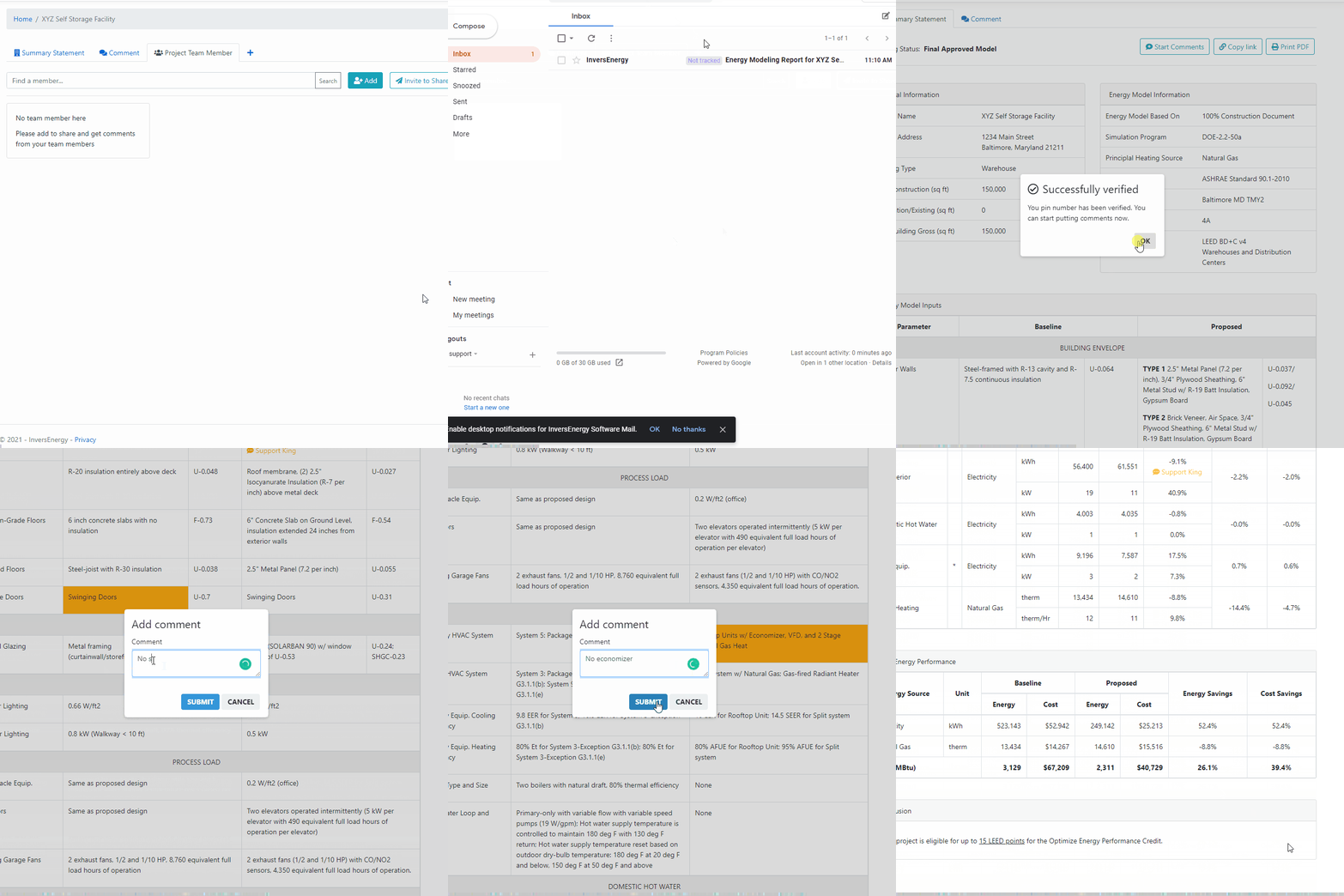
Reviewers and clients open the latest results anytime, with nothing to install.
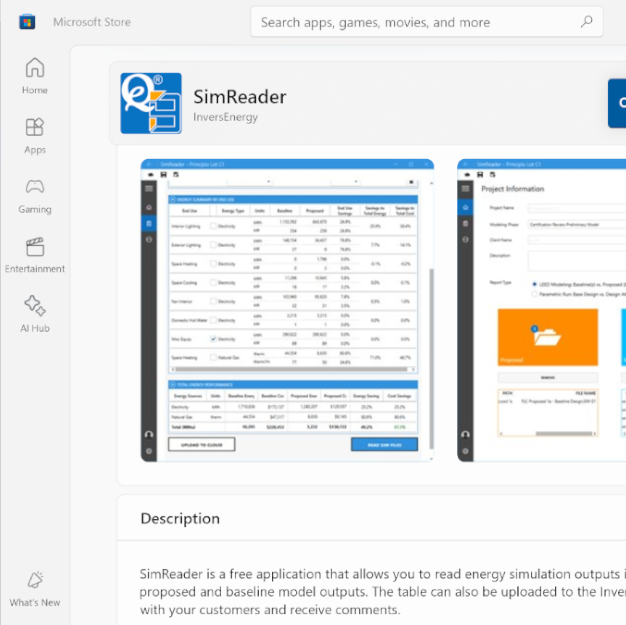
Step 1. Install SimReader
SimReader is a standalone post-processor that reads sim files for eQUEST or HTML files for EnergyPlus.
- 100% free for both personal and commercial use.
- Automatic updates via the Microsoft Store.
- Works with eQUEST 2.2, eQUEST 2.3, EnergyPlus, and OpenStudio
Step 2. Create Account
Create your account with your email address and a password. You'll need to confirm your email before you can sign in.
- Enjoy a free account with up to 2 projects each month
- Share your work without limits with your free account
- No credit card needed

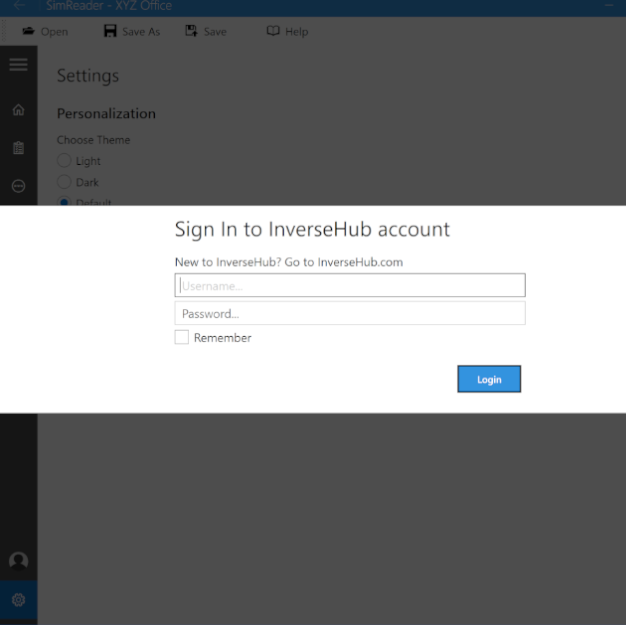
Step 3. Upload to InverseHub
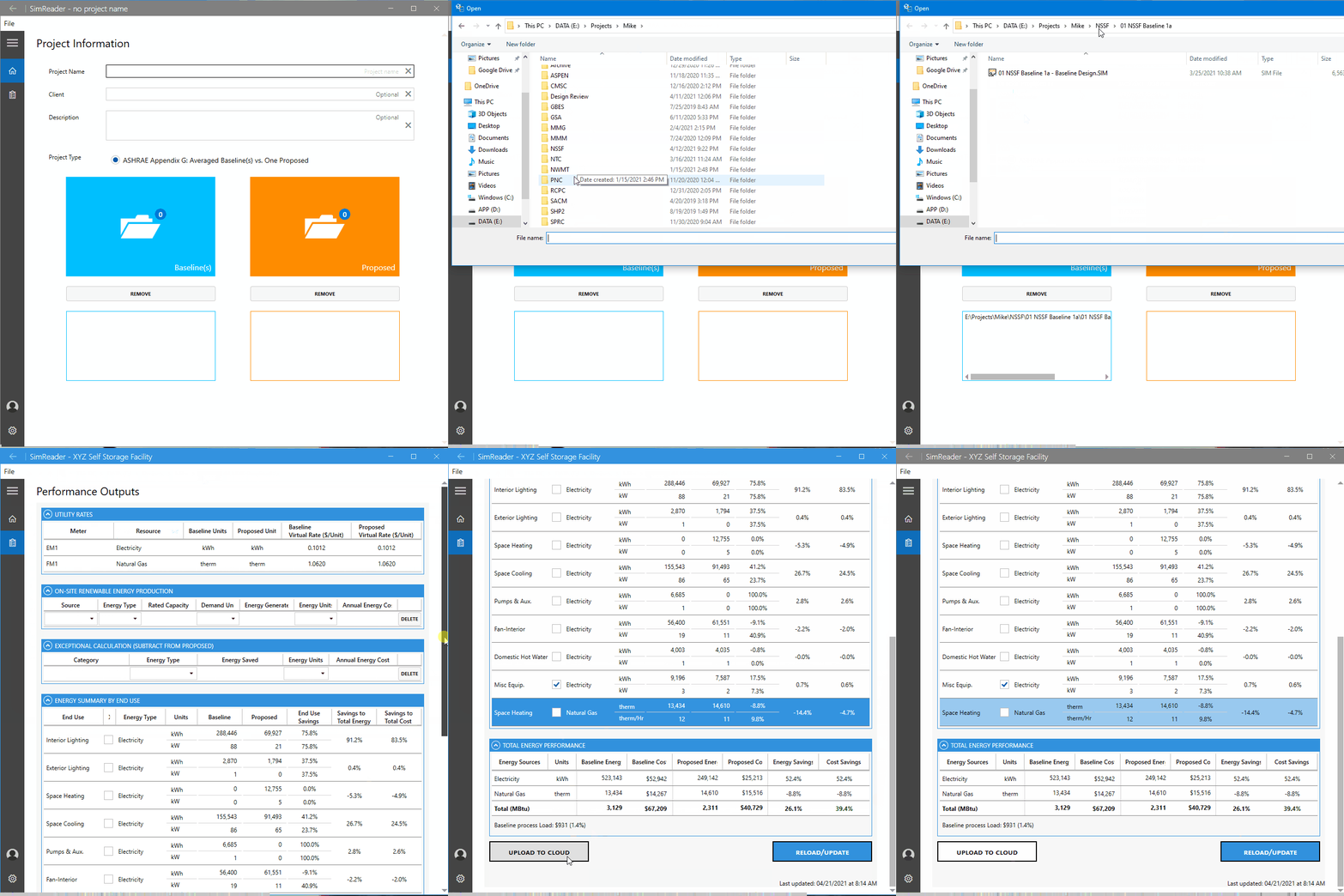
Sign in to SimReader with your InverseHub email and password, then upload your results.
- Upload modeling results online instantly
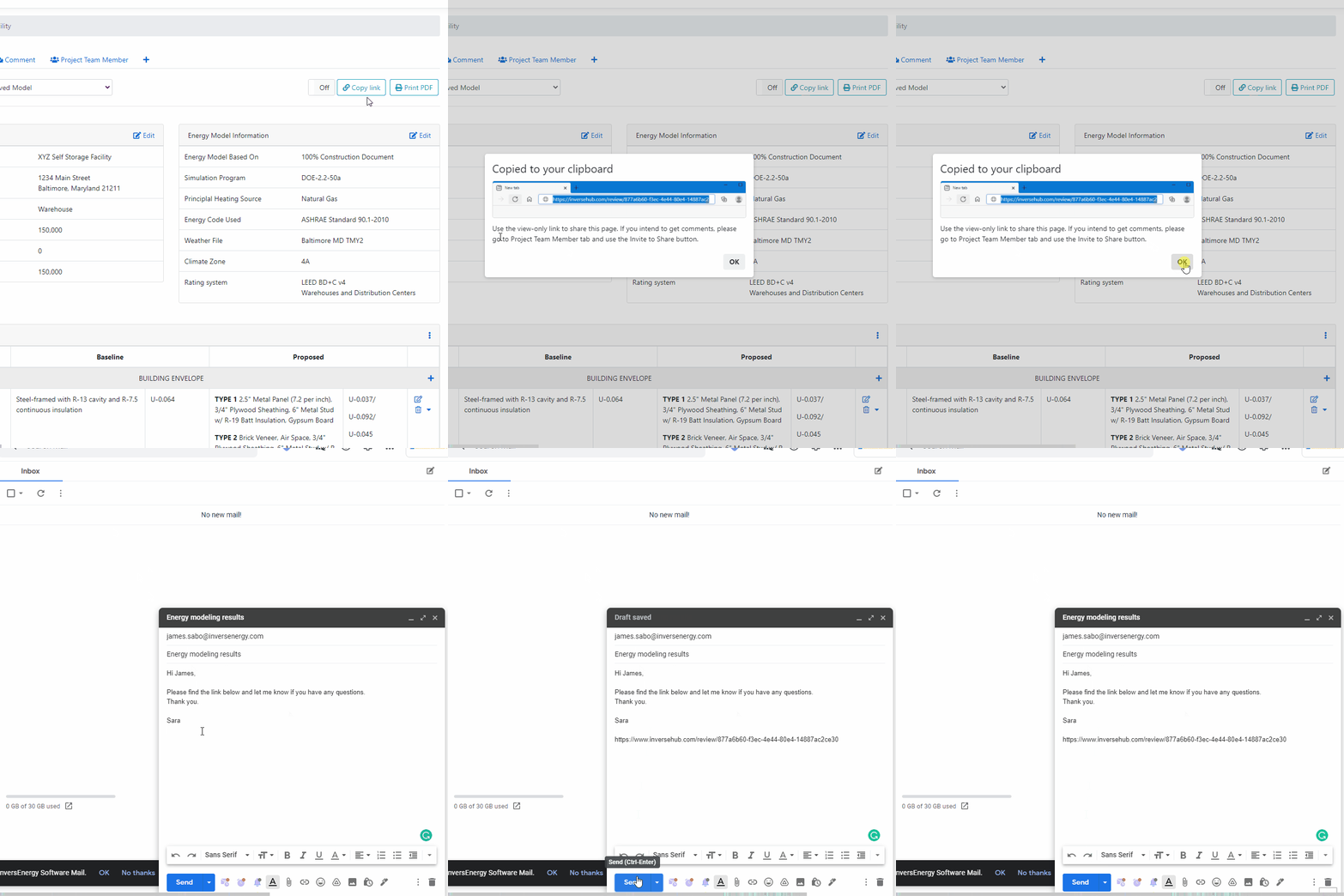
- Share with your team via a link
- Clients can access the most updated versions
See Our Sample Reports
for LEED and Energy Codes




Choose the Pricing Plan
That
Suits Your Needs
Free
Starter
- Max 2 projects a month
- Free SimReader app
- Unlimited sharing with team
- Help center access
No hidden charges!
$45
Basic
- Everything in Starter Plan, plus:
- Max 35 projects a month
- Billed monthly
- Email support
No hidden charges!
$75
Business
- Everything in Basic Plan, plus:
- Unlimited projects, up to 5 modelers
- Billed monthly
- Premium email support
No hidden charges!
Latest News & Articles
from the Blog


May 29, 2026
5 Reasons Your COMcheck Report Failed Plan Review

January 28, 2026